Remote Access,
Reimagined

Share your screen, transfer files, and grant granular control — all from a browser tab. No installation. No client software. Just a session ID.

Browser-based No installation 5 permission levels Session-controlled
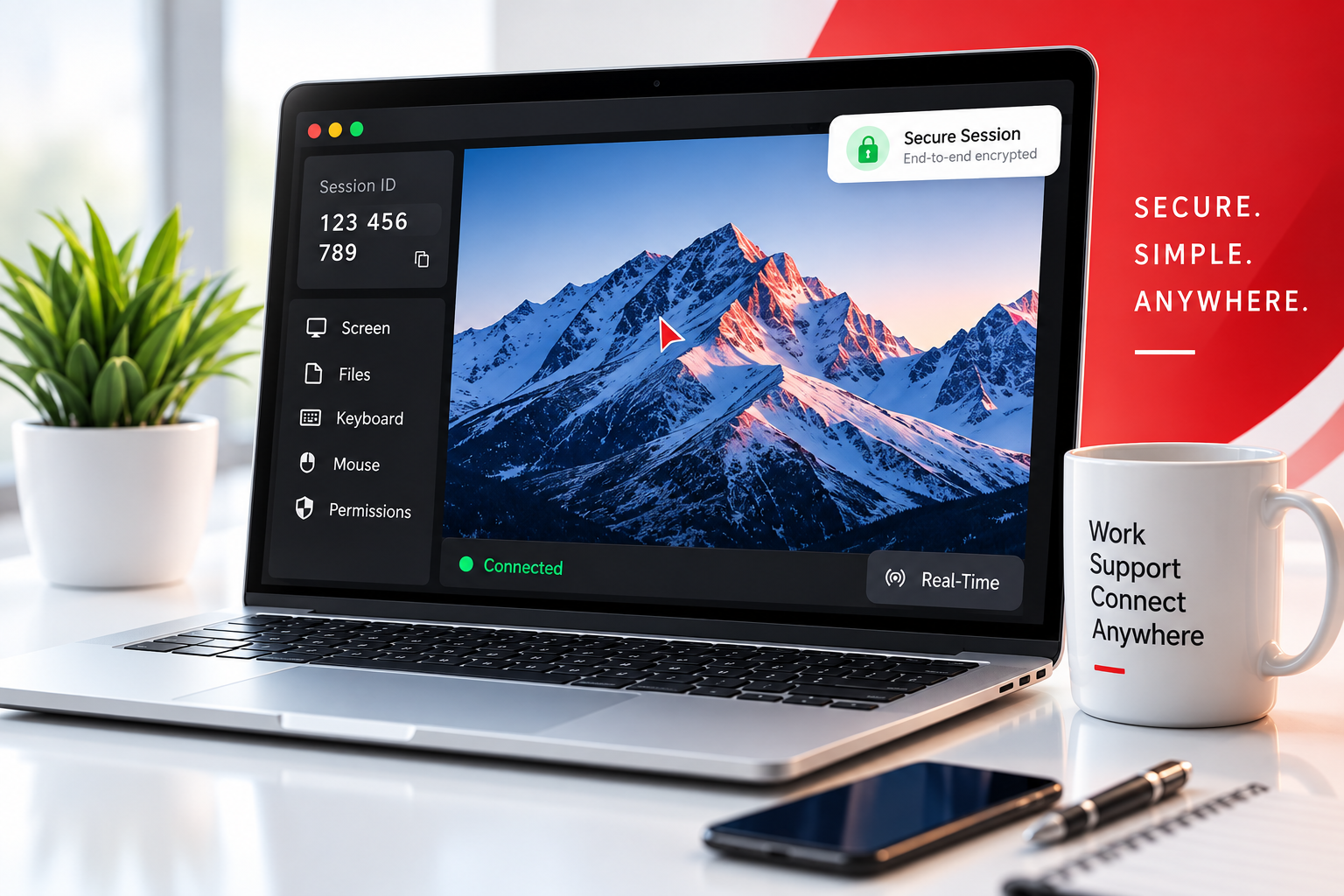
ZayroDesk running on a laptop — session ID panel, permission controls, and real-time screen sharing

Everything in Your Browser. Nothing to Install.

Screen sharing, file transfer, keyboard and mouse control — six browser-native capabilities with live permission granularity, built for real-world remote work.

Screen Sharing

View a remote desktop in real-time through your browser. The host shares their screen via browser media capture — no plugins needed.

  • Full desktop visibility
  • Real-time JPEG streaming
  • Browser-native capture

File Transfer

Send and receive files between connected devices during an active session with drag-and-drop simplicity.

  • Drag & drop upload
  • In-session file sharing
  • Progress tracking

Keyboard Control

Interact with the remote machine using your keyboard — full character input, special keys, and shortcuts relayed in real time.

  • Full keyboard relay
  • Special key support
  • Host-controlled toggle

Mouse Control

Control the remote pointer through familiar mouse interactions, synchronized precisely with the remote display canvas.

  • Click & drag
  • Scroll wheel support
  • Remote cursor overlay

Secure Sessions

Every session uses JWT token authentication with a unique 9-digit session ID and optional PIN protection.

  • JWT session tokens
  • Optional PIN auth
  • Rate-limited joins

Permission Control

The host grants exactly what the viewer can do — toggle any of 5 permissions live during the session, changes apply instantly.

  • 5 granular permissions
  • Live permission updates
  • Request & approve flow

How It Works

Start a session in under 60 seconds — no complicated setup, no software installation.

1

Open a Session

Click Get Started → Web App. A unique 9-digit session ID is created instantly. Click Start Screen Sharing.

2

Share the ID

Send your 9-digit session ID to the viewer. They enter it on the Viewer page — nothing to install on their side.

3

Set Permissions

Choose exactly what the viewer can do: screen view, file transfer, keyboard input, and mouse control.

4

Start Working

A live session begins. The viewer sees your screen and interacts within the limits you set — real-time, browser-to-browser.

Performance at a Glance

Browser-native JPEG-over-WebSocket streaming keeps sessions lean, responsive, and always under control.

Stream Pipeline

~38ms end-to-end

Capture 5ms Encode 15ms Transmit 10ms Decode 5ms Render 3ms

Access Control

5 Permission Layers

5 LAYERS
  • Screen Share
  • File Upload
  • File Download
  • Keyboard
  • Mouse Control

Setup Speed

Live in <3 seconds

0s1s2s3s
  • Session ID generated0.3s
  • WebSocket connected0.9s
  • Auth token issued0.6s
  • Stream active✓ Live

Built for Remote Work

ZayroDesk fits naturally into the scenarios where remote access matters most.

IT Support

Access remote machines and troubleshoot issues without complicated setup or traditional remote-access clients.

Team Collaboration

Share access to a workstation when a team member needs to assist or review work on another machine.

Remote Assistance

Help users resolve desktop issues remotely without asking them to install any additional software.

Business Operations

Provide controlled access to systems and workstations when team members work across different locations.

Technical Support

Enable support teams to interact with remote environments through a browser with granular permission control.

Work From Anywhere

Access your office workstation from home or any location with just a browser and an internet connection.

Granular Permission System

The host controls every aspect of what the viewer can see and do. Toggle permissions live during any active session.

Try It Free
Screen Sharing Viewer can see the host screen in real time
Default ON
File Upload Viewer can send files to the host
Default ON
File Download Viewer can download files from the host
Default ON
Keyboard Control Viewer can type on the remote machine
Default ON
Mouse Control Viewer can move and click on the remote
Default ON

Ready to Connect?

Start a ZayroDesk session in seconds and experience a simpler way to connect, control, and collaborate remotely.

No installation · No client software · Browser-based · Session-controlled